XSS game
Welcome, recruit! Cross-site scripting (XSS) bugs are one of the most common and dangerous types of vulnerabilities in Web applications. These nasty buggers can allow your enemies to steal or modify user data in your apps and you must learn to dispatch the
xss-game.appspot.com
위 사이트에서 진행하였다. 문제는 총 6문제이다.
1번 문제
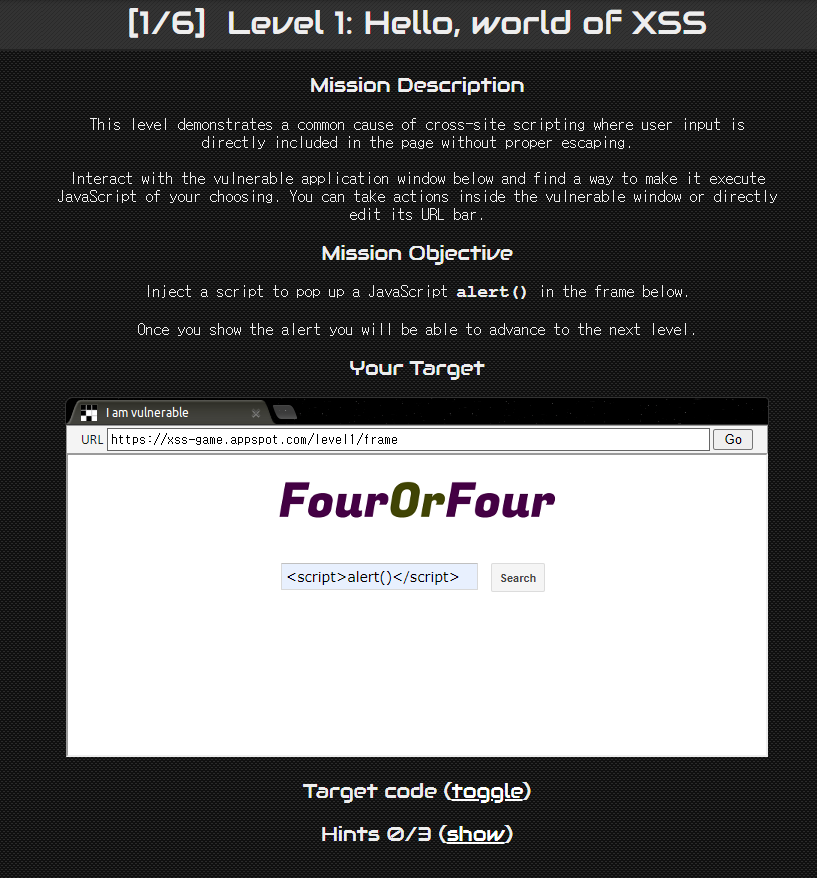
간단하게 <script>alert()</script>를 넣어주면 풀리는 문제
2번 문제
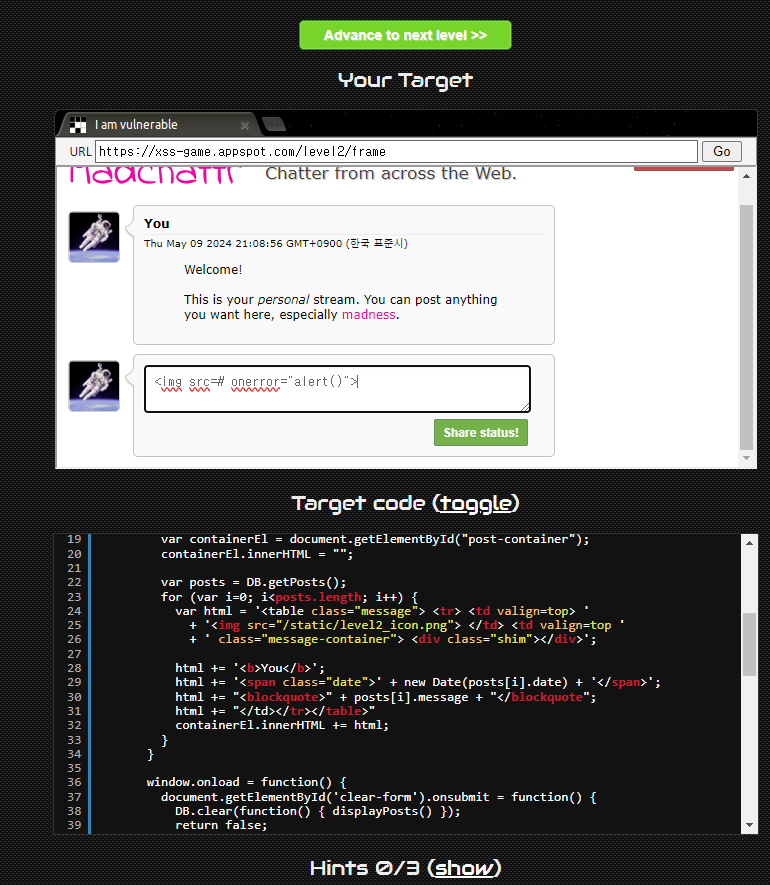
<script>가 통하지 않아 <img>의 onerror를 이용하여 alert()를 작동시켰다.
3번 문제
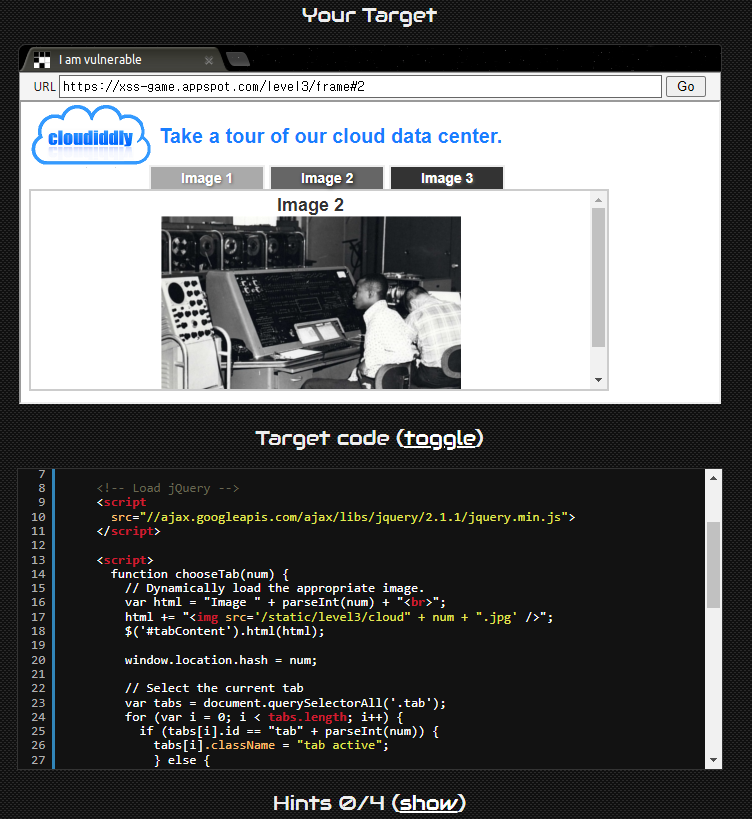
코드를 보면 <img src='/static/level3/cloud{num}.jpg/>로 값을 넣어주는것을 확인할 수 있다.
문제 2번과 마찬가지로 onerror를 쓰면 되는것으로 보이지만 사용자가 입력을 하는 부분이 없다.
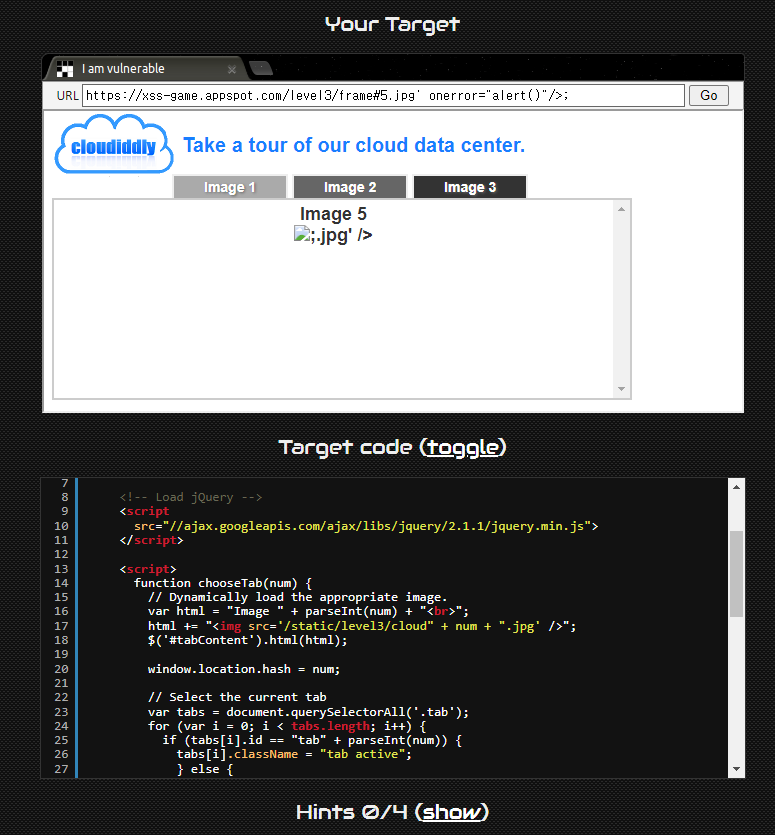
이럴때는 URL을 이용하여 원하는 값을 입력해주면 된다.
frame#뒤에 없는 번호인 5번을 넣어 error를 발생시키고, onerror를 통해 alert()함수를 실행시켜보았다.
4번 문제

위의 input상자에 넣은 값을 <img>의 onload="startTimer('{{timer}}');"에 넣어주는 것을 볼 수 있다.
timer의 따옴표를 탈출하고 alert()를 실행시키기 위해서 -1');를 통해 startTimer('-1');를 만들어주자
이어서 뒤에 alert(' 를 붙여줌으로써 alert('');를 만들어준다
다음과 같이 입력하면 된다.
전체 입력 = -1');alert('
입력 시 실행되는 함수 = startTimer('-1');alert('');
5번 문제
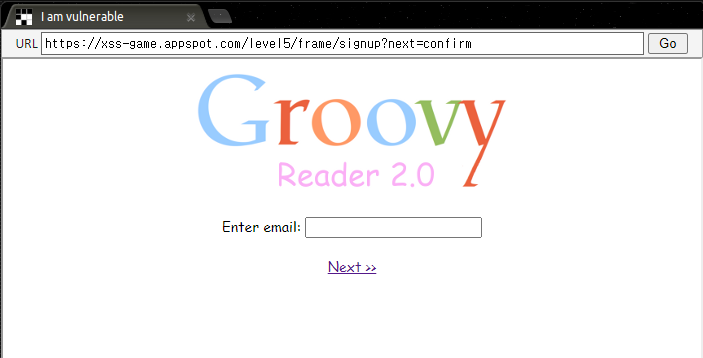
이번 문제에는 3가지 html페이지가 있지만 여기서는 signup.html만 보면 된다.

level.py의 코드를 보면 next값을 get요청이 들어왔을 때 들어오는 값으로 설정해주고 있는 것을 알 수 있다.

signup.html의 코드를 보면 <a href="{{next}}">로 되어있는 부분이 있는데, <a>태그의 href에는 주소 뿐만이 아니라 자바스크립트 코드가 들어가서 실행될 수도 있다.
next의 값에 javascript:alert();를 입력하면 되지 않을까?
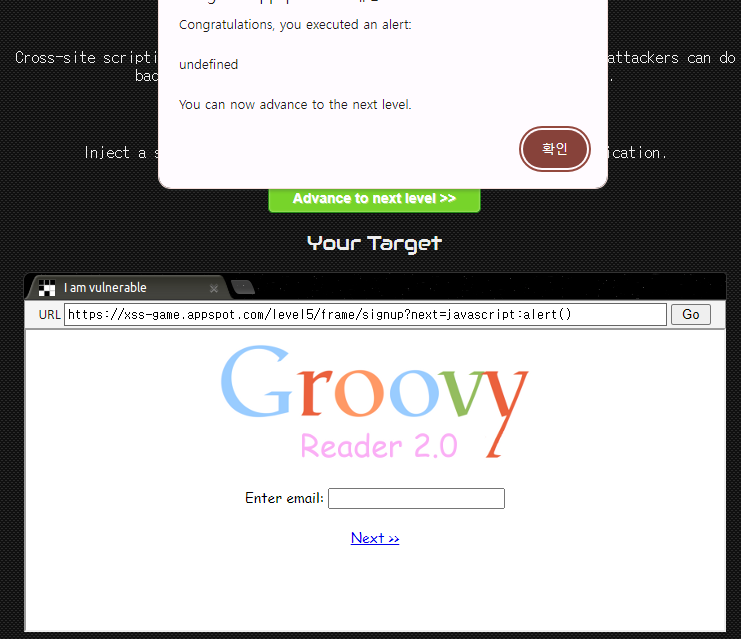
URL의 next값에 javascript:alert()를 넣어준 후 next버튼을 눌러주면 alert가 실행되면서 성공하게 된다!
6번문제
/* This is a completely awesome invisible gadget */gadget.js
<!doctype html>
<html>
  <head>
    <!-- Internal game scripts/styles, mostly boring stuff -->
    <script src="/static/game-frame.js"></script>
    <link rel="stylesheet" href="/static/game-frame-styles.css" />

    <script>
    function setInnerText(element, value) {
      if (element.innerText) {
        element.innerText = value;
      } else {
        element.textContent = value;
      }
    }

    function includeGadget(url) {
      var scriptEl = document.createElement('script');

      // This will totally prevent us from loading evil URLs!
      if (url.match(/^https?:\/\//)) {
        setInnerText(document.getElementById("log"),
          "Sorry, cannot load a URL containing \"http\".");
        return;
      }

      // Load this awesome gadget
      scriptEl.src = url;

      // Show log messages
      scriptEl.onload = function() {
        setInnerText(document.getElementById("log"),
          "Loaded gadget from " + url);
      }
      scriptEl.onerror = function() {
        setInnerText(document.getElementById("log"),
          "Couldn't load gadget from " + url);
      }

      document.head.appendChild(scriptEl);
    }

    // Take the value after # and use it as the gadget filename.
    function getGadgetName() {
      return window.location.hash.substr(1) || "/static/gadget.js";
    }

    includeGadget(getGadgetName());

    // Extra code so that we can communicate with the parent page
    window.addEventListener("message", function(event){
      if (event.source == parent) {
        includeGadget(getGadgetName());
      }
    }, false);

    </script>
  </head>

  <body id="level6">
    <img src="/static/logos/level6.png">
    <img id="cube" src="/static/level6_cube.png">
    <div id="log">Loading gadget...</div>
  </body>
</html>
index.html
class MainPage(webapp.RequestHandler):
  def render_template(self, filename, context={}):
    path = os.path.join(os.path.dirname(__file__), filename)
    self.response.out.write(template.render(path, context))

  def get(self):
    self.render_template('index.html')

application = webapp.WSGIApplication([ ('.*', MainPage), ], debug=False)
level.py

6번 문제는 URL의 frame#뒤에 넣은 값을 읽어, 해당 주소를 <script> 의 src로 넣고 document.head.appendChild()로 head영역에 더해주게 된다.
즉 src의 값을 alert()를 실행하는 주소의 값으로 넣어주면 된다.
내 웹서버에 js파일을 업로드하여 실행해주는 방법도 있지만, 이번엔 Data URL schema방식을 사용했다.
Data URL schema문법
data:[<mediatype>][;base64],<data>

data:text/javascript,alert()를 입력해주어 성공!
'Security > Webhacking' 카테고리의 다른 글
| SQL injection 공격 (0) | 2024.05.12 |
|---|---|
| CSRF 공격 (0) | 2024.05.12 |
| Cookie & Session (0) | 2024.05.08 |